MS Temporarily Disables Ask Copilot on the Windows 11 Taskbar

MS has temporarily disabled Ask Copilot, the optional Copilot-powered search box for the Windows 11 taskbar, while previewing an updated Copilot app for Windows Insiders. The feature had been undergoing testing since October 2025 and was expected to arrive around mid-2026, but MS has not confirmed when—or in what form—it will return.
Ask Copilot was an opt-in feature for Windows Insiders that could replace the standard taskbar Search box. It was never enabled by default.
In the August 14 release notes for the Copilot app, version 152.0.4191.25, MS said it was previewing updates to the taskbar Copilot icon, visual and navigation changes within the app, and adjustments to feature availability.
MS explained that Ask Copilot was being temporarily disabled so the company could update the experience and incorporate user feedback.
Notebooks, Connectors, and Vision are also temporarily unavailable in the Copilot app, and MS has warned that users may encounter functionality gaps.
The company has not disclosed the specific feedback behind the decision. However, Copilot’s continued expansion into different parts of Windows 11 has frequently generated mixed reactions from users.
MS Spent Nearly a Year Transforming Windows Search into Ask Copilot
In October 2025, MS outlined plans to make the taskbar a dynamic hub for Copilot Vision, Voice, and search. The initiative effectively positioned Ask Copilot as an alternative to the existing Windows Search interface, which was cluttered and inconsistent at the time. The optional feature reached Windows Insiders through Build 26220.7051 near the end of that month.
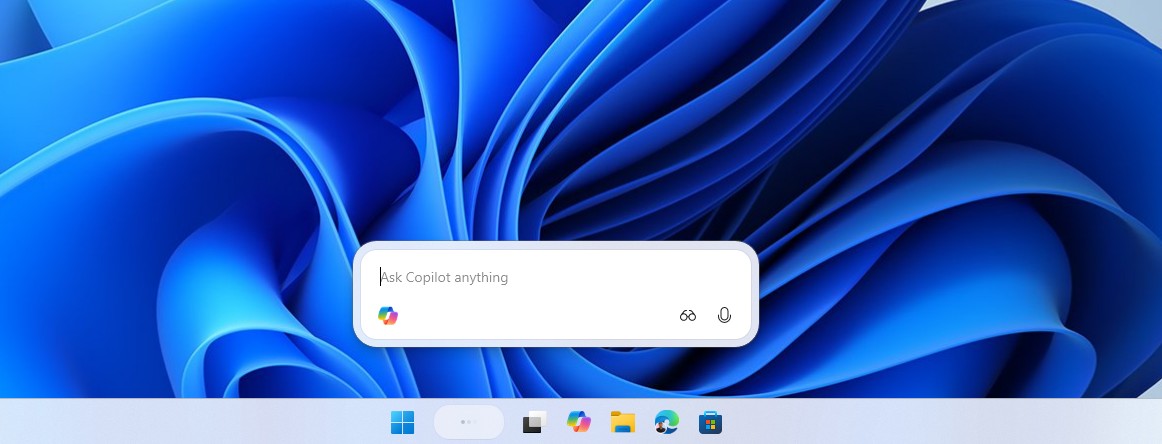
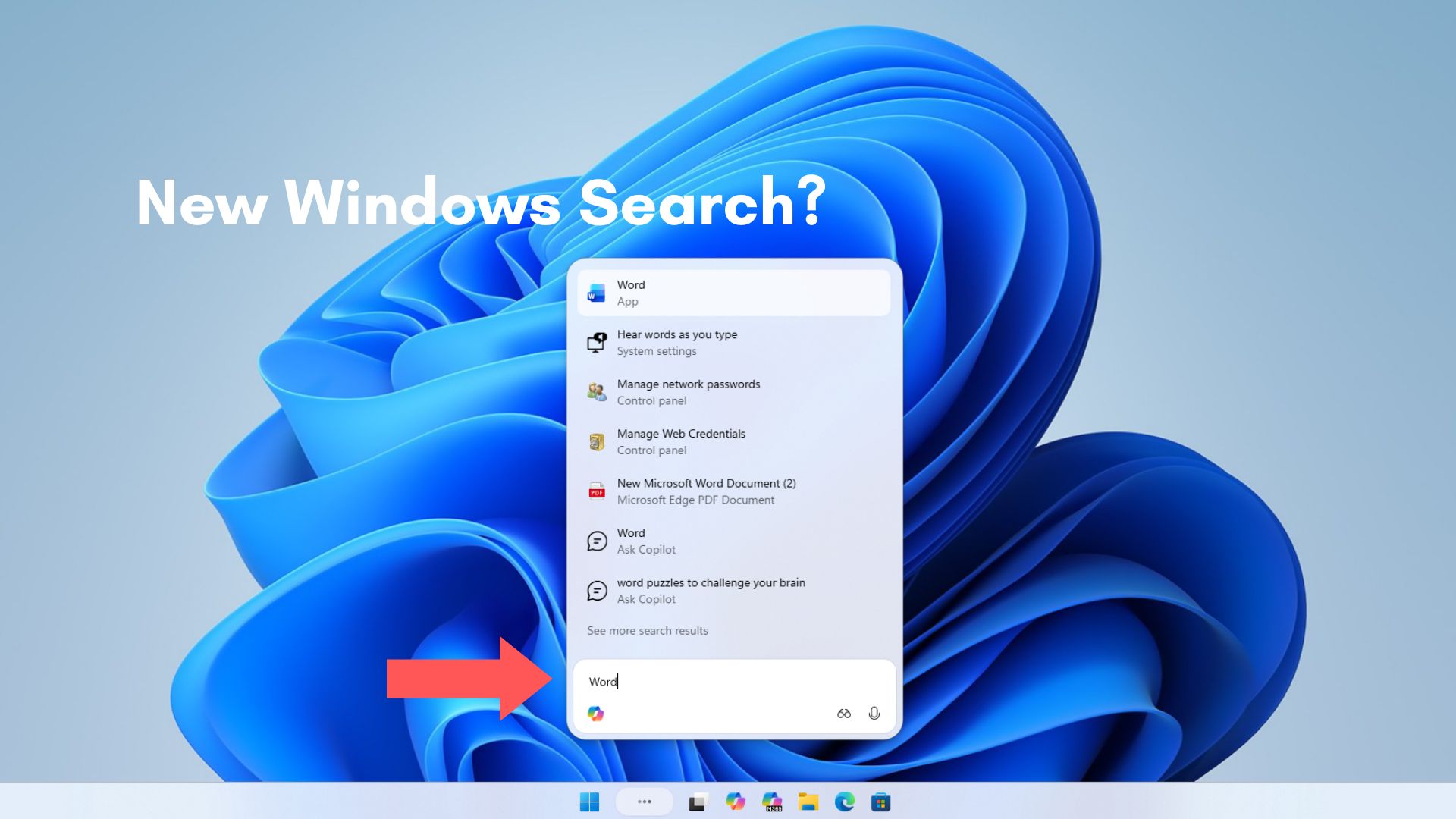
Selecting the “Ask Copilot anything” field opened a small, rounded window above the taskbar. It launched faster than the conventional Windows Search panel, offered smoother animations, and avoided presenting a large collection of MSN content.
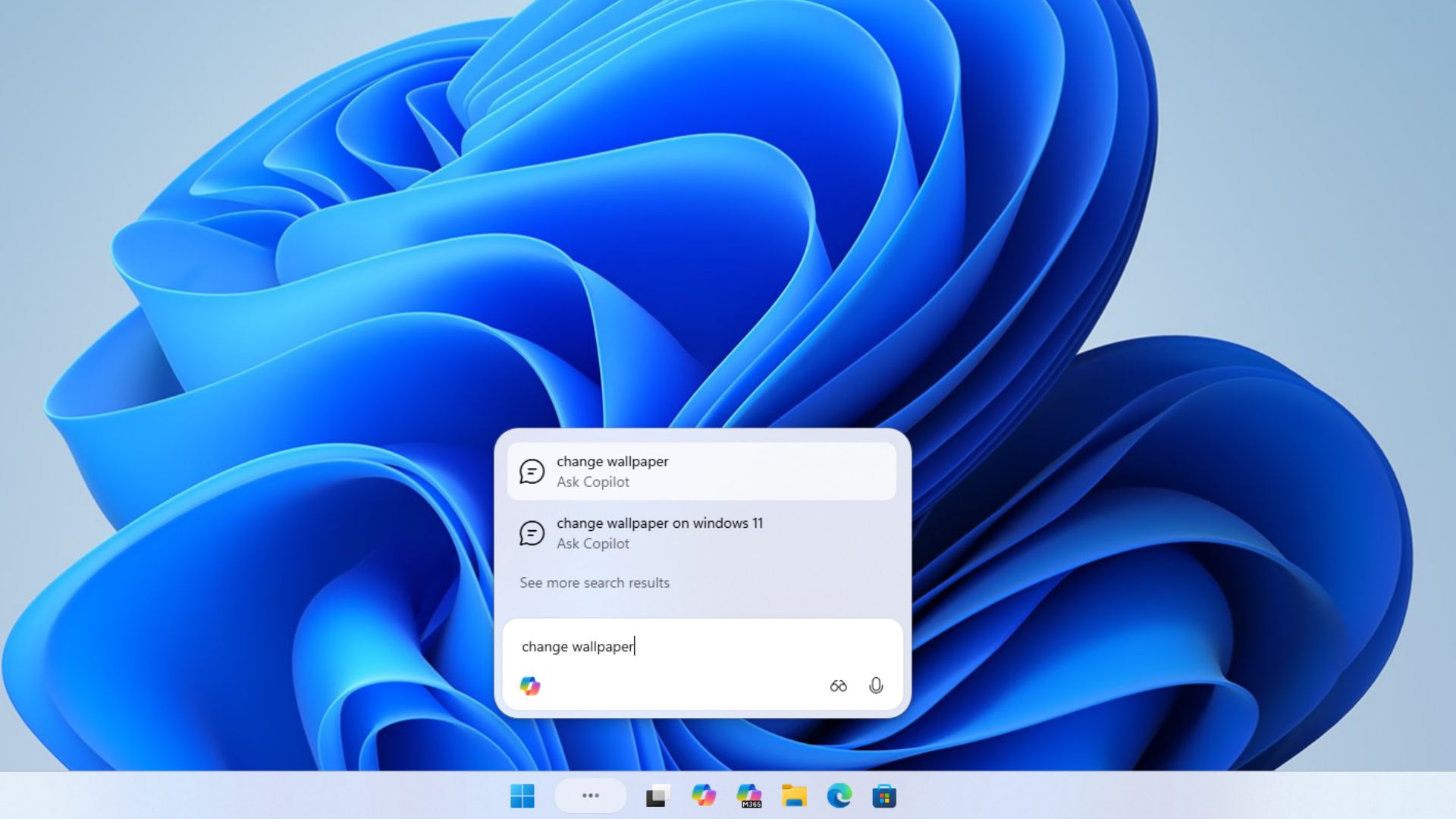
Ask Copilot relied on existing Windows APIs to locate apps, files, and settings, much like Windows Search. It did not give Copilot access to users’ personal content. Even at that stage, the streamlined interface was more compelling than its AI functionality.
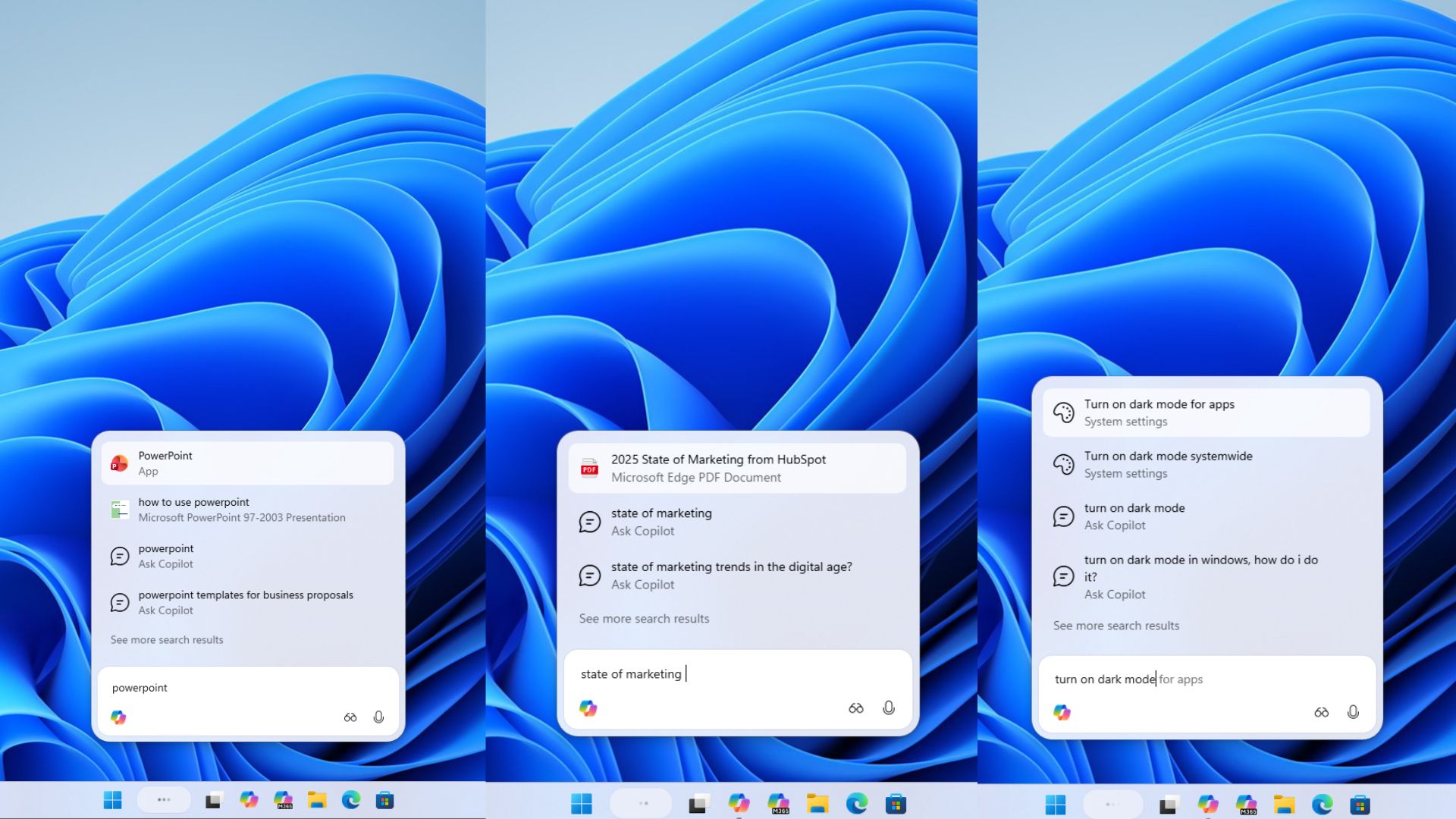
In December, MS began rolling out a separate commercial version of Ask Copilot to Windows Insiders with MS 365 Copilot licenses. For eligible commercial users, the taskbar became a unified access point connecting MS 365 Copilot, agents, and search.
Typing “@” could invoke agents such as Researcher, while their progress could be monitored directly from the taskbar. By then, Ask Copilot had become an entry point for MS’s agent-focused vision of Windows.
Ask Copilot Was Expected in Mid-2026 Before Being Withdrawn
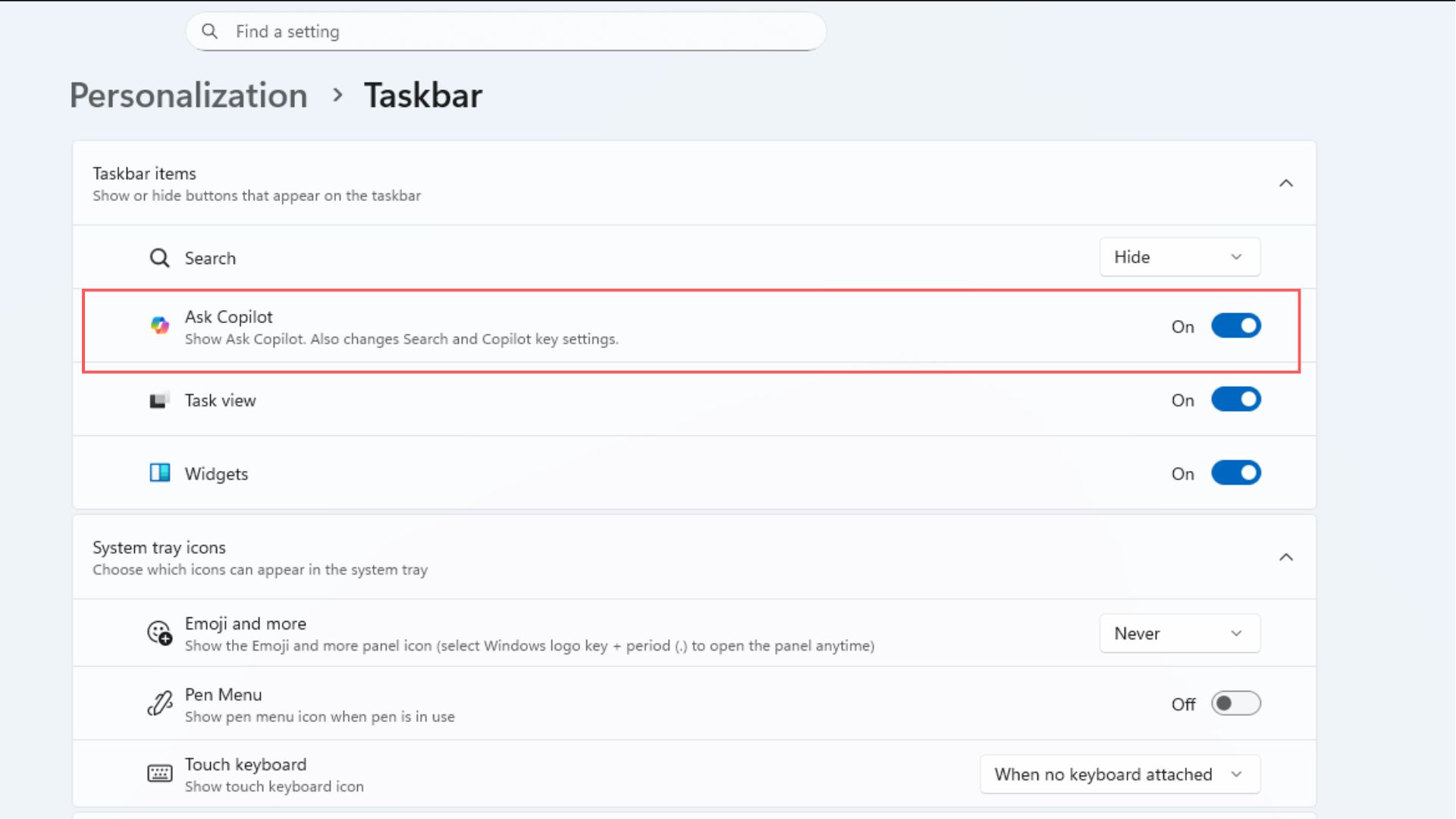

The mid-2026 target primarily applied to businesses using MS 365 Copilot. As a result, Ask Copilot remained a relatively obscure preview for regular Windows 11 users. Rather than expanding its release, MS disabled it for Insiders through an August update to Copilot on Windows.
In March, Windows chief Pavan Davuluri pledged to reduce unnecessary Copilot entry points, beginning with Notepad and other applications. By May, Copilot buttons had been removed from Snipping Tool and Photos, while MS promised fewer and more carefully curated experiences. This broader strategy may have contributed to Ask Copilot’s temporary withdrawal, although MS has not confirmed a connection.
Copilot Has Received a Major Redesign
In March, Satya Nadella said MS was bringing its commercial and consumer Copilot systems together as one unified initiative. On September 25, MS introduced a redesigned Copilot experience featuring Chat and Cowork in Home, along with Code, Autopilot, and integrated access to Word, Excel, and PowerPoint.
Home and Code are rolling out through the Frontier program, while Autopilot remains in private preview.
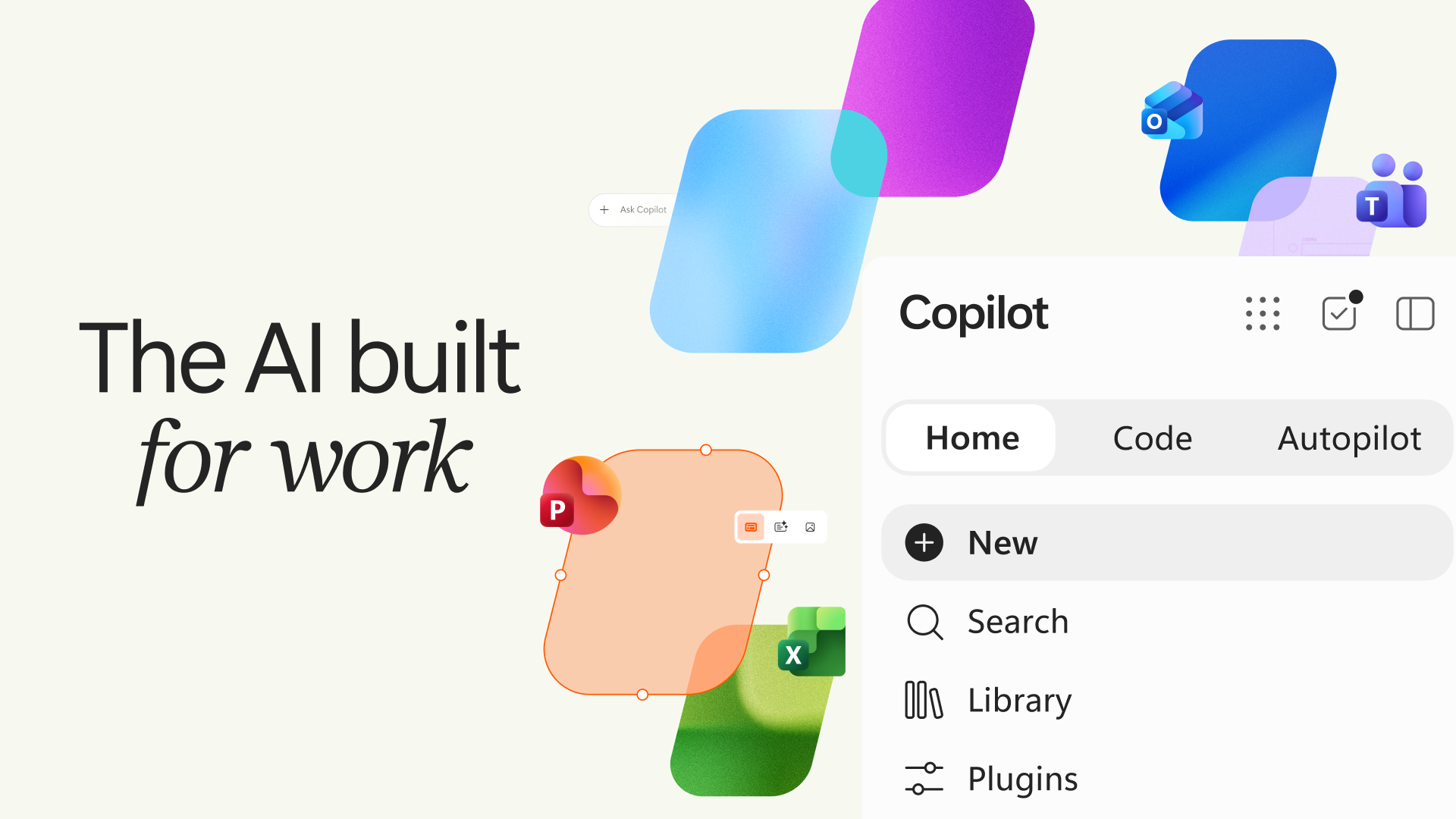
Nadella described the platform as “a new OS for work,” although Copilot on Windows 11 remains a web-based application. Ask Copilot was built around the previous, fragmented Copilot experience, so MS may need to reconsider how taskbar input should work with the unified app.
MS has not said that the redesigned Copilot caused the pause, nor has it provided a return date. However, Ask Copilot was disabled only weeks before the new Copilot experience was unveiled.
AI functionality will remain on the taskbar. Windows 11 26H2 allows users to monitor supported agents, including Researcher, directly from that location.
MS Must Also Adapt Ask Copilot to Movable Taskbars
Windows 11 now allows the taskbar to be positioned at the top, left, or right side of the screen. When MS announced the feature for Insiders on July 31, it said support for touch gestures, the Search box, and Ask Copilot in alternative taskbar positions was still in development.
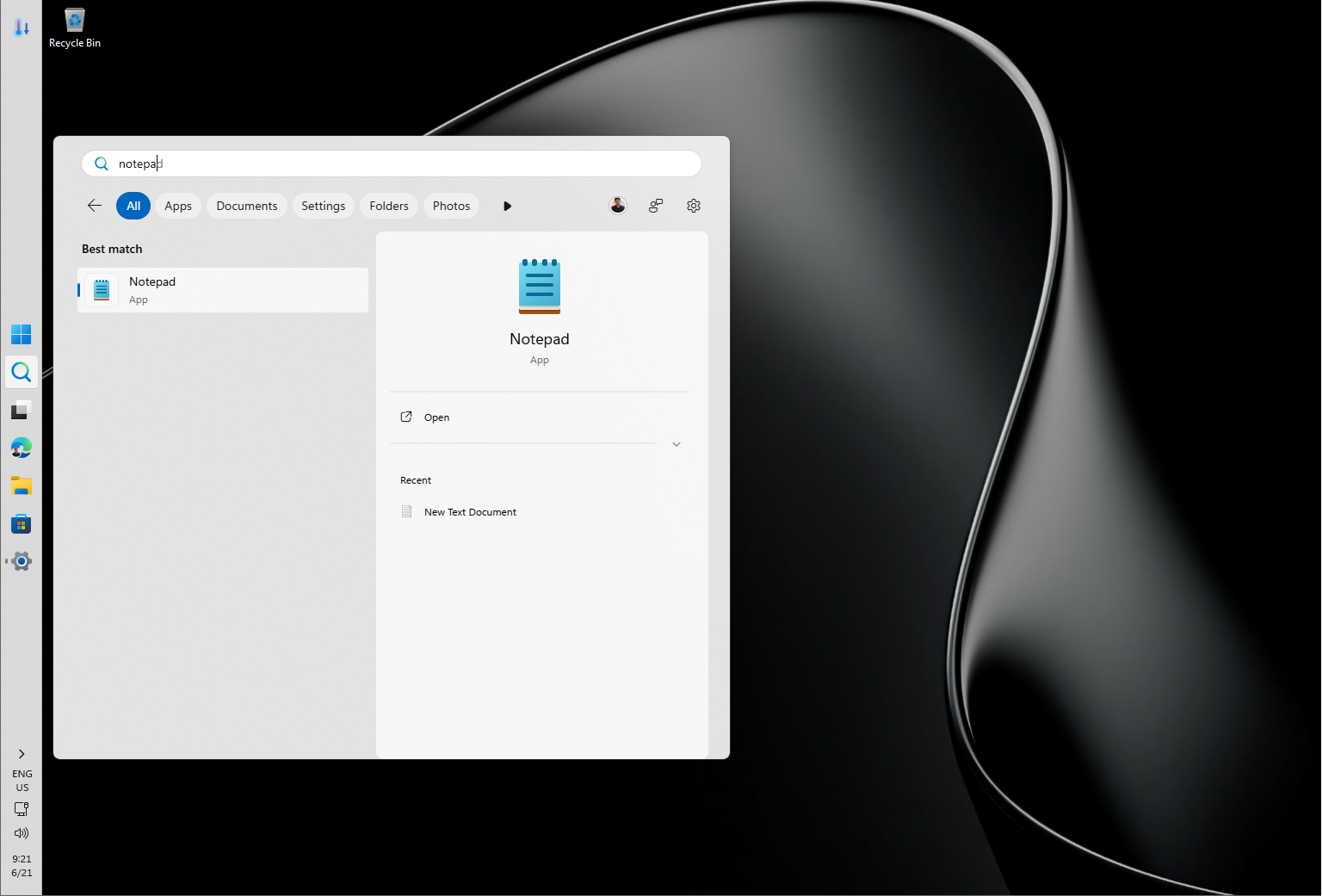
A floating panel originally designed to appear above a bottom-aligned taskbar must also function properly when the taskbar is vertical or positioned at the top. MS has not confirmed whether this engineering work contributed to the pause, but support for Ask Copilot on top and side taskbars remained on its development roadmap.
Windows 11 Search Is Better, but Ask Copilot Has the Stronger Interface
MS’s September 2026 update introduced a cleaner Search experience and movable taskbar support for eligible Windows 11 PCs, while Ask Copilot remained unavailable.
The simplified Windows Search interface removes the daily image, quiz, trending searches, top apps, and personalized game suggestions. Recent searches now appear prominently, results are categorized by type, and users can disable web and MS Store suggestions. Its animations are also considerably faster.
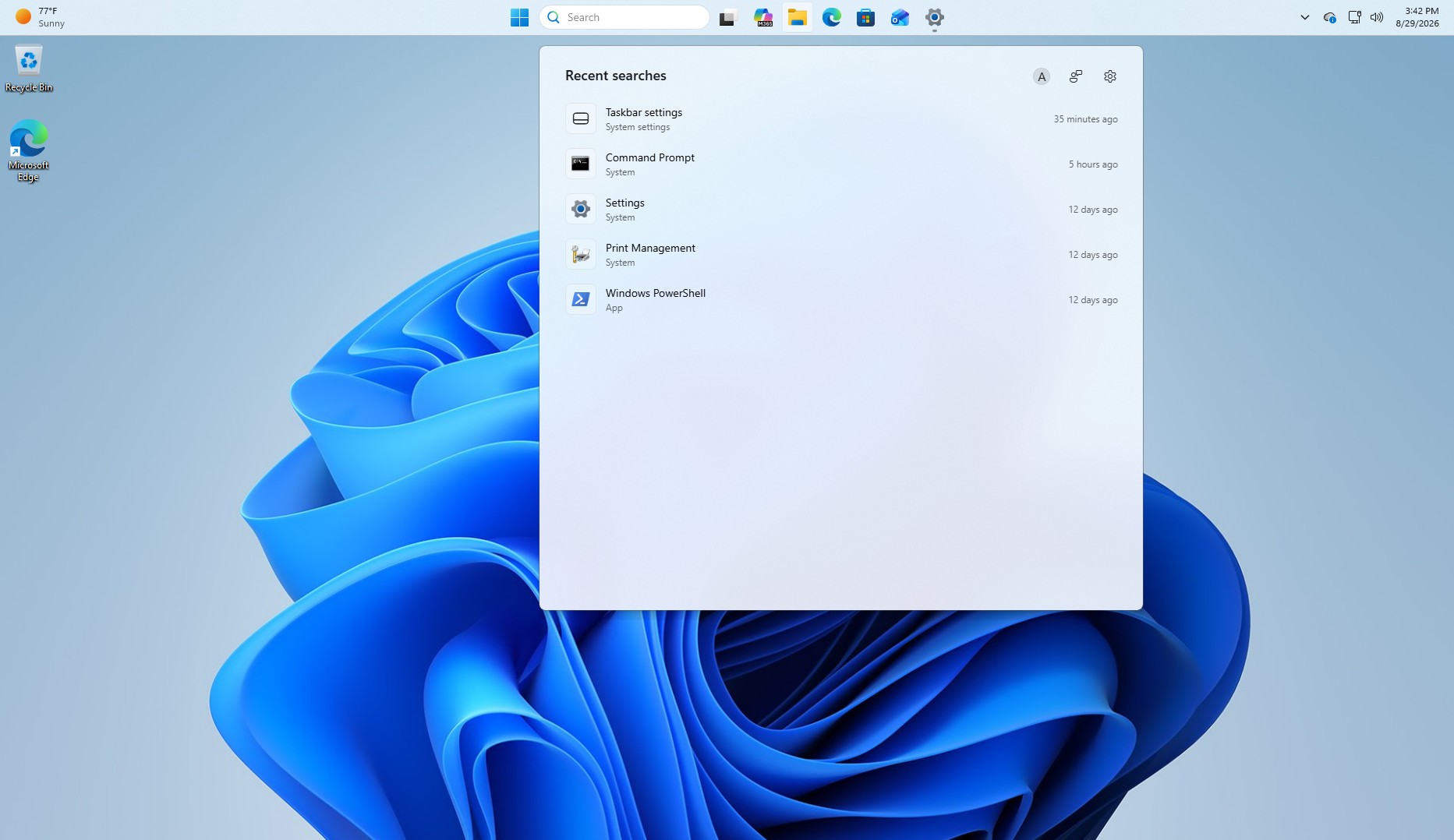
Despite these improvements, the Search panel remains unnecessarily large and contains substantial unused white space.
Ask Copilot had already addressed that interface problem with a compact, rounded, floating search box. The ideal result would be that design without mandatory Copilot integration: a lightweight panel capable of finding apps, files, and settings through the improved Windows Search system.
MS may have unintentionally created an excellent Windows Search interface while pursuing a more ambitious way to expand Copilot usage.