MS Removes the Easiest Local Account Workaround from Windows 11 Setup

The small “Learn more” link on Windows 11’s MS account sign-in screen no longer provides a path to local account creation. On a fresh Windows 11 26H2 ISO, the link now opens the standard page explaining how MS manages user data. The only available button returns users to the sign-in screen.
This had been the simplest way to bypass the MS account requirement during setup. It required no commands, registry changes, or internet disconnection. MS has now closed the loophole.
The MS Account Bypass No Longer Works
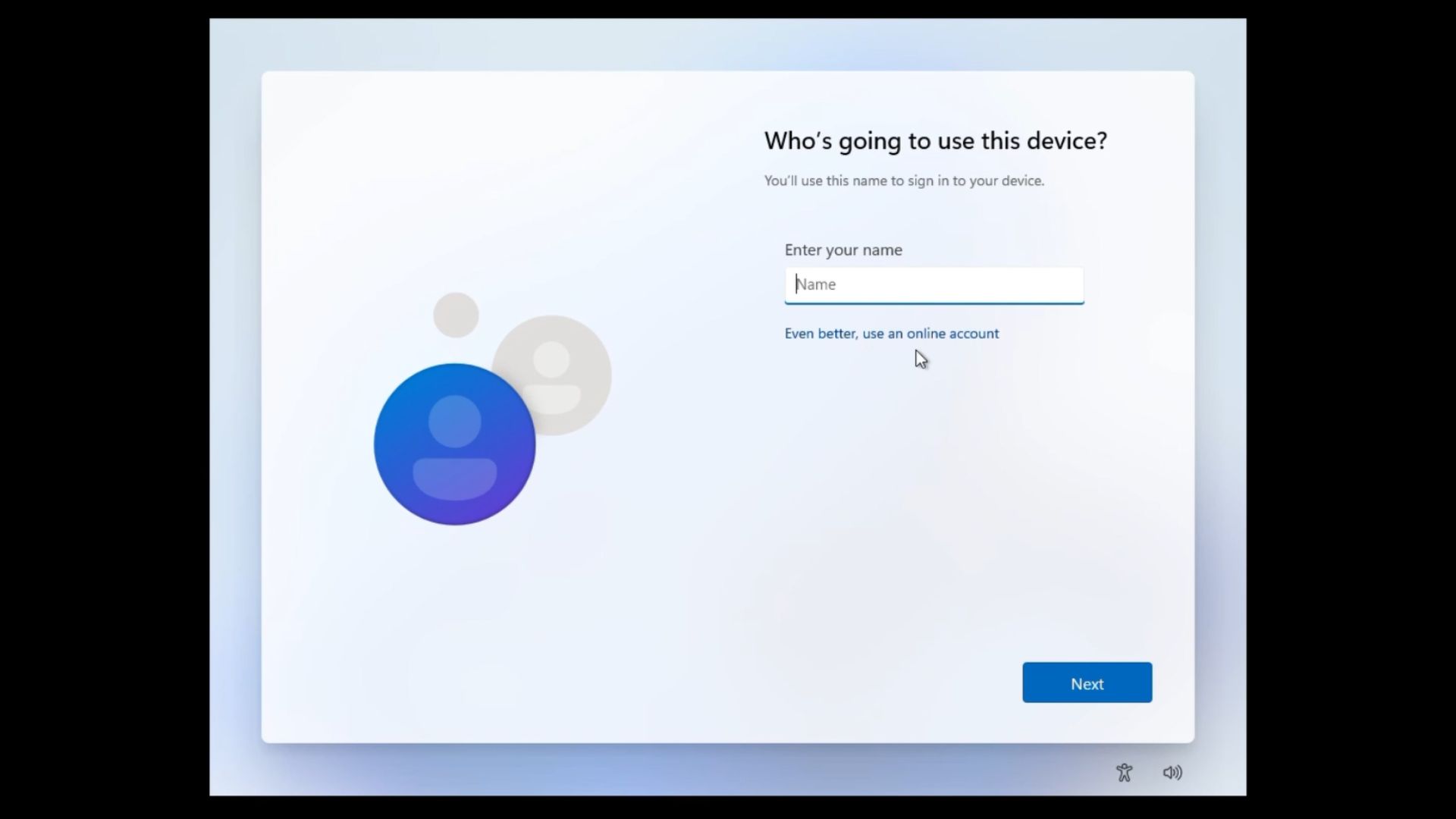
On the “Let’s add your MS account” screen, the paragraph about synchronizing data and backing up files to OneDrive ends with a small “Learn more” link. Previously, selecting it opened the “See how your data is managed” page. After a few seconds, Windows automatically advanced to the “Who’s going to use this device?” screen without requiring any additional action.
Before MS’s change, the link effectively skipped MS account sign-in. Ironically, the data management page also explains how to switch to a local account after setup by navigating to Settings > Accounts > Your info. Even then, the local account screen encourages users to choose an online account with the message, “Even better, use an online account.”
Testing with a newly downloaded Windows 11 26H2 ISO from MS’s servers confirms that the behavior has changed. The link still opens the data management page, but Windows now remains on that page. The only available option is Back.
The change was identified on October 9 and appears to have been implemented server-side. MS did not mention it in any published update notes.
MS Continues Blocking Local Account Workarounds
In October 2025, MS said it was “removing known mechanisms for creating a local account” during setup. The company argued that these methods could “inadvertently skip critical setup screens” and leave a PC “not fully configured for use.”
Testing of the relevant Windows Insider build showed that several common bypass methods had been blocked, including:
- oobe\bypassnro
- start ms-cxh:localonly
- The BypassNRO registry value
- Fake email address methods
These restrictions initially appeared in Insider builds, meaning some older publicly available ISOs may still support the previous commands. However, the “Learn more” workaround was particularly useful because it worked with the latest Windows 11 Home installation media and even Experimental build 29677.
MS closed this workaround within approximately four weeks. Meanwhile, the setup experience with “fewer pages and reboots” promised in March has yet to appear.
MS Executives Have Criticized Forced Sign-In
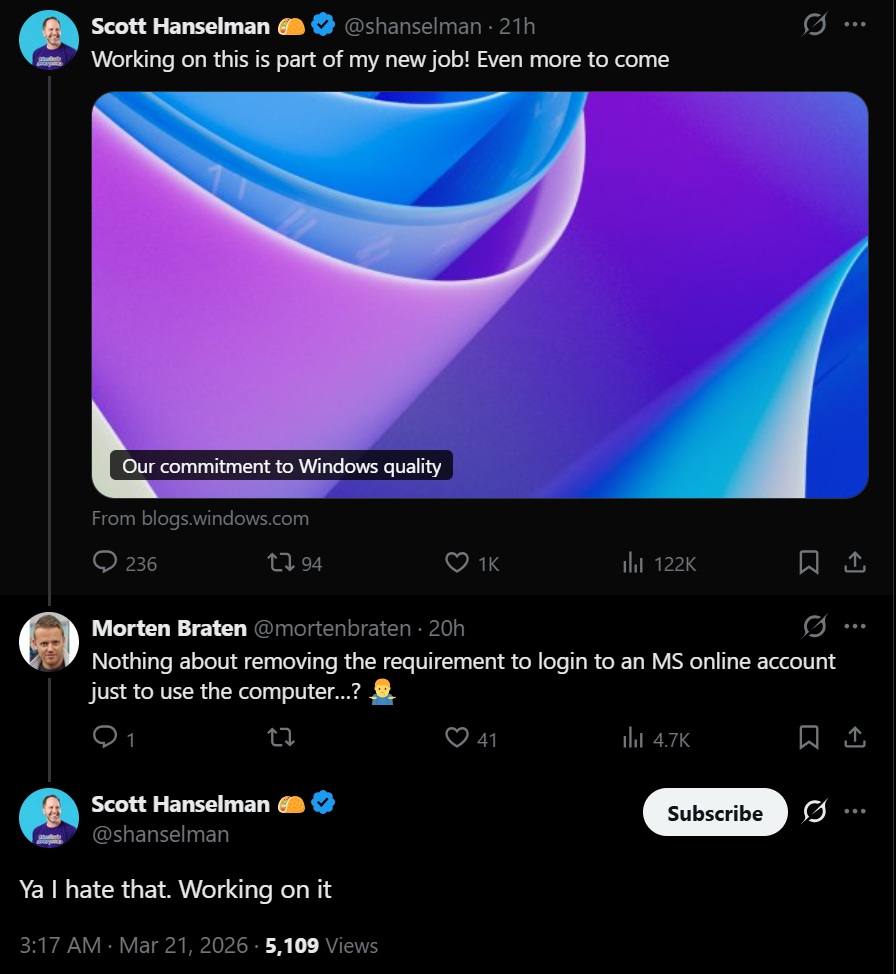
In March, MS Vice President and Member of Technical Staff Scott Hanselman responded to criticism of the MS account requirement by saying, “Ya, I hate that. Working on it.” Around the same time, he also said that “a calmer and more chill OS with fewer upsells is a goal.”
In July, Windows chief Pavan Davuluri identified a “faster and more efficient out-of-box experience” as a priority for the remainder of 2026. However, that announcement did not indicate that MS planned to remove the account requirement.
The speed with which MS eliminated this workaround raises questions about how strongly the company prioritizes MS account adoption. It also makes the return of a straightforward local account option appear increasingly unlikely in the near term.
Windows 11 Still Lacks a Simple Local Account Option
A local account remains practical for users who frequently reinstall Windows, configure virtual machines, or prepare test PCs. It is also important for people who do not want their operating system login connected to an online account, particularly when Windows itself requires a paid license and MS is reportedly planning to increase licensing fees for OEMs.
MS accounts do provide useful features, including device synchronization and Find my device, and many users choose to use them.
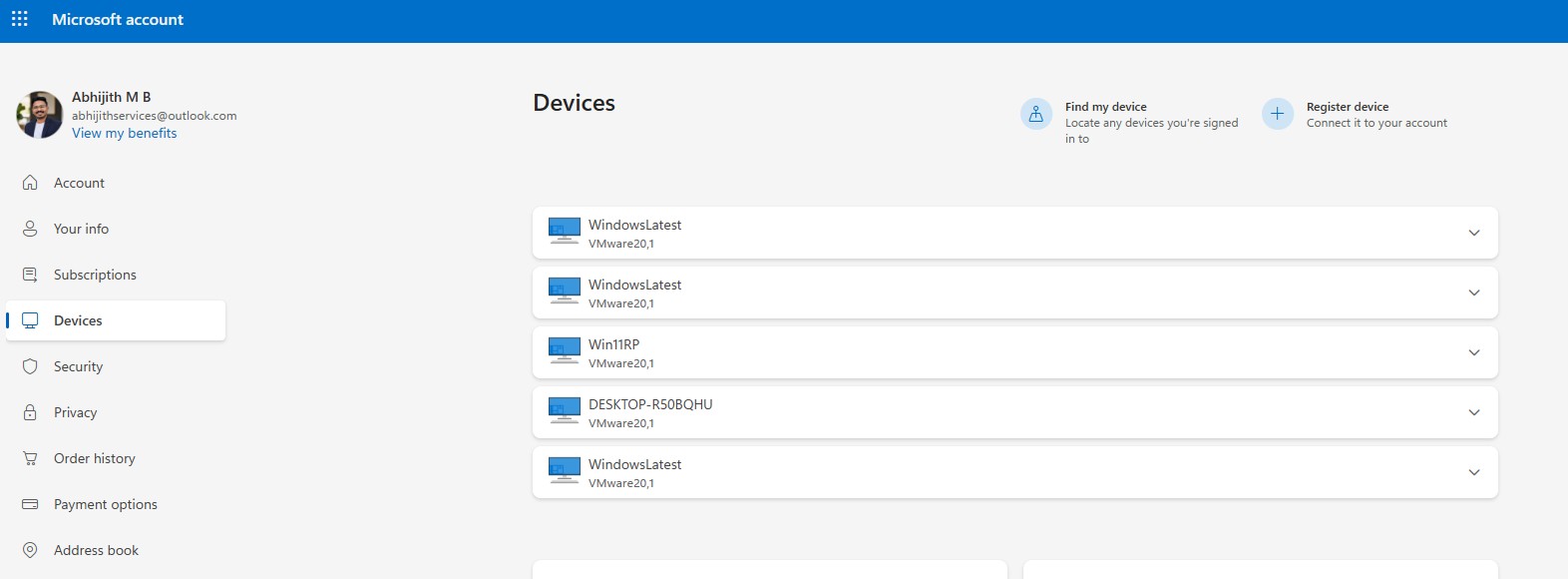
However, Windows 11 setup can already take more than an hour when updates are included. During the process, users may also encounter promotions for MS 365, OneDrive, and Xbox Game Pass. A clearly visible “Use a local account” button on the sign-in screen would provide a simpler choice.
For now, users who want a local account from the beginning must rely on less convenient alternatives, such as Domain Join on Windows 11 Pro or a custom ISO created with Rufus. Windows 11 setup still does not offer an easy, built-in local account path.