MS Is Developing an Android-Based Extended Display Feature for Windows 11
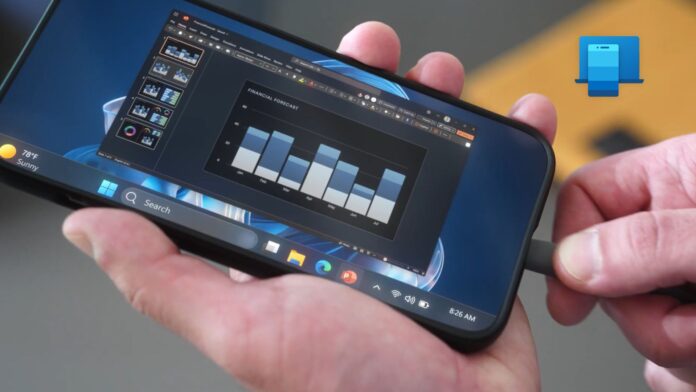
MS is developing an “Extend display” feature for its Link to Windows app that could allow an Android phone—and potentially a tablet—to function as a second monitor for a Windows 11 PC. Interface strings, icons, and code discovered in a recent version of the Android app point to a dedicated system called “Phone as Display.”
If released, the feature could turn an older Android tablet into a portable second screen without requiring third-party software. Phones with large 6.5-to-6.9-inch displays could also provide useful additional screen space, although tablets would offer a more practical experience. Apple provides similar native functionality through Sidecar, but it works only with iPads rather than iPhones.
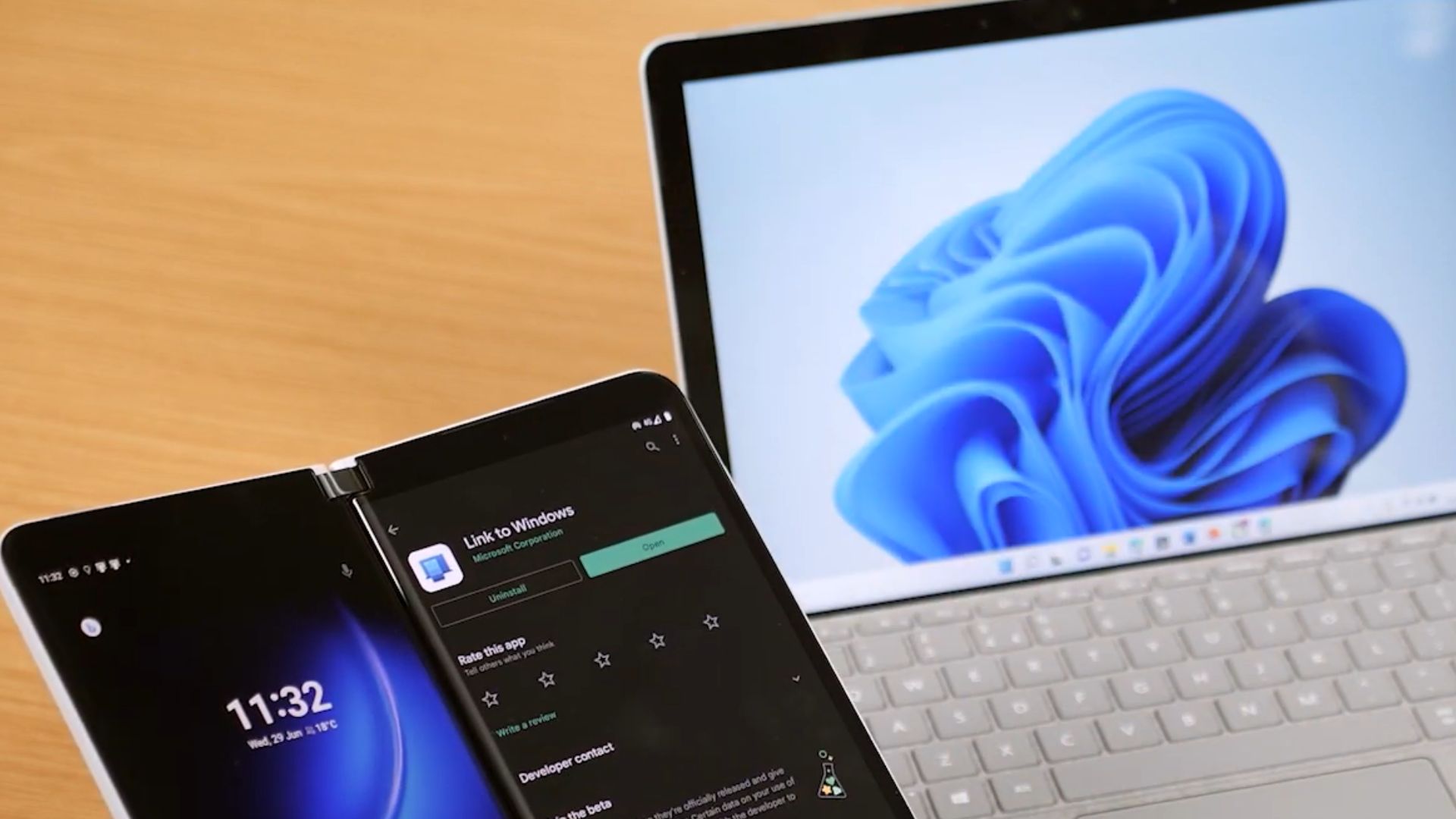
Windows 11 Could Extend Its Desktop to an Android Device
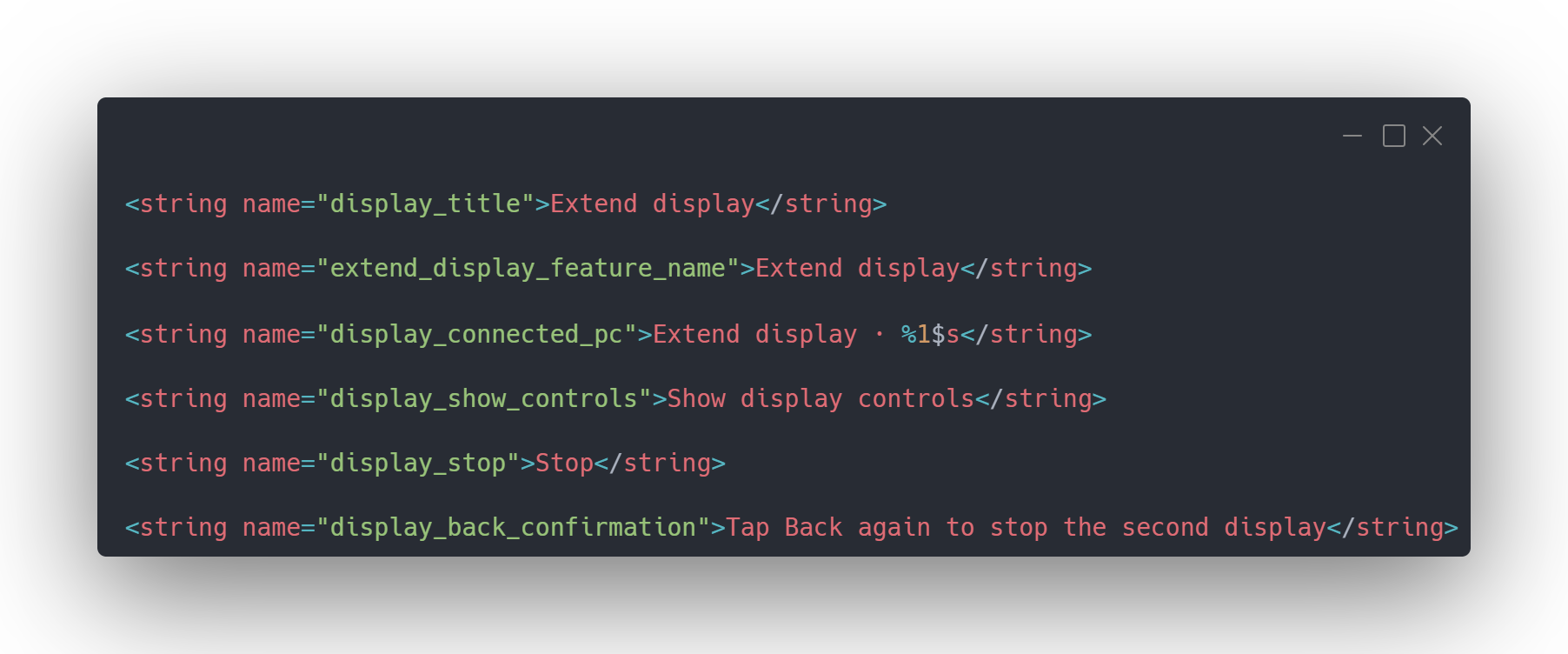
The available interface strings indicate that Extend display will have its own page within Link to Windows. A “%1$s” placeholder will most likely display the connected PC’s name. The interface also includes display controls, a Stop button, and an option to press Back twice to end the session.
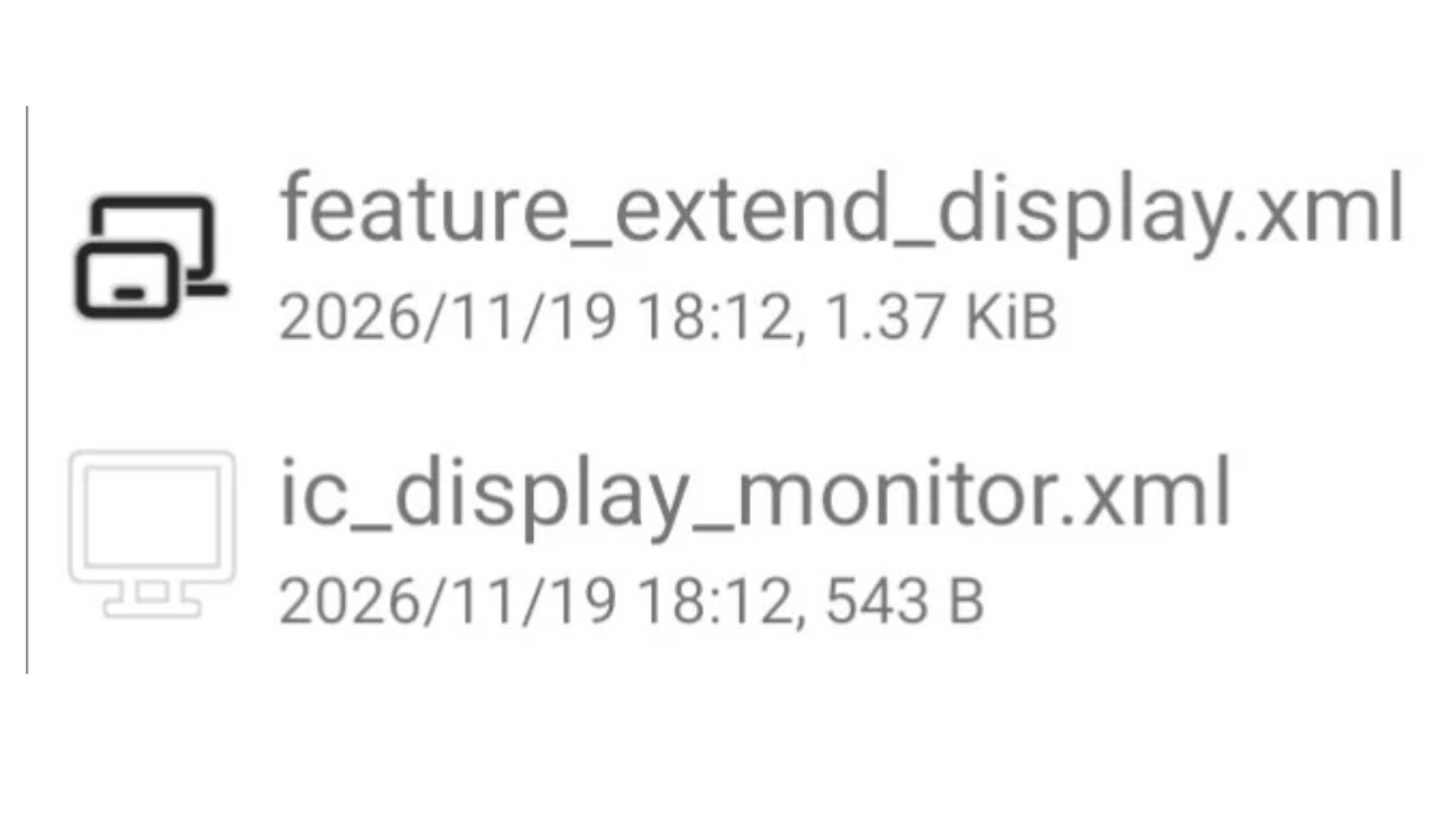
Two related icon resources are also present in the app:
- feature_extend_display.xml depicts a small screen overlapping a larger display.
- ic_display_monitor.xml shows a standard monitor.
These are currently only icon files included in the application and do not confirm that the feature is ready for release.
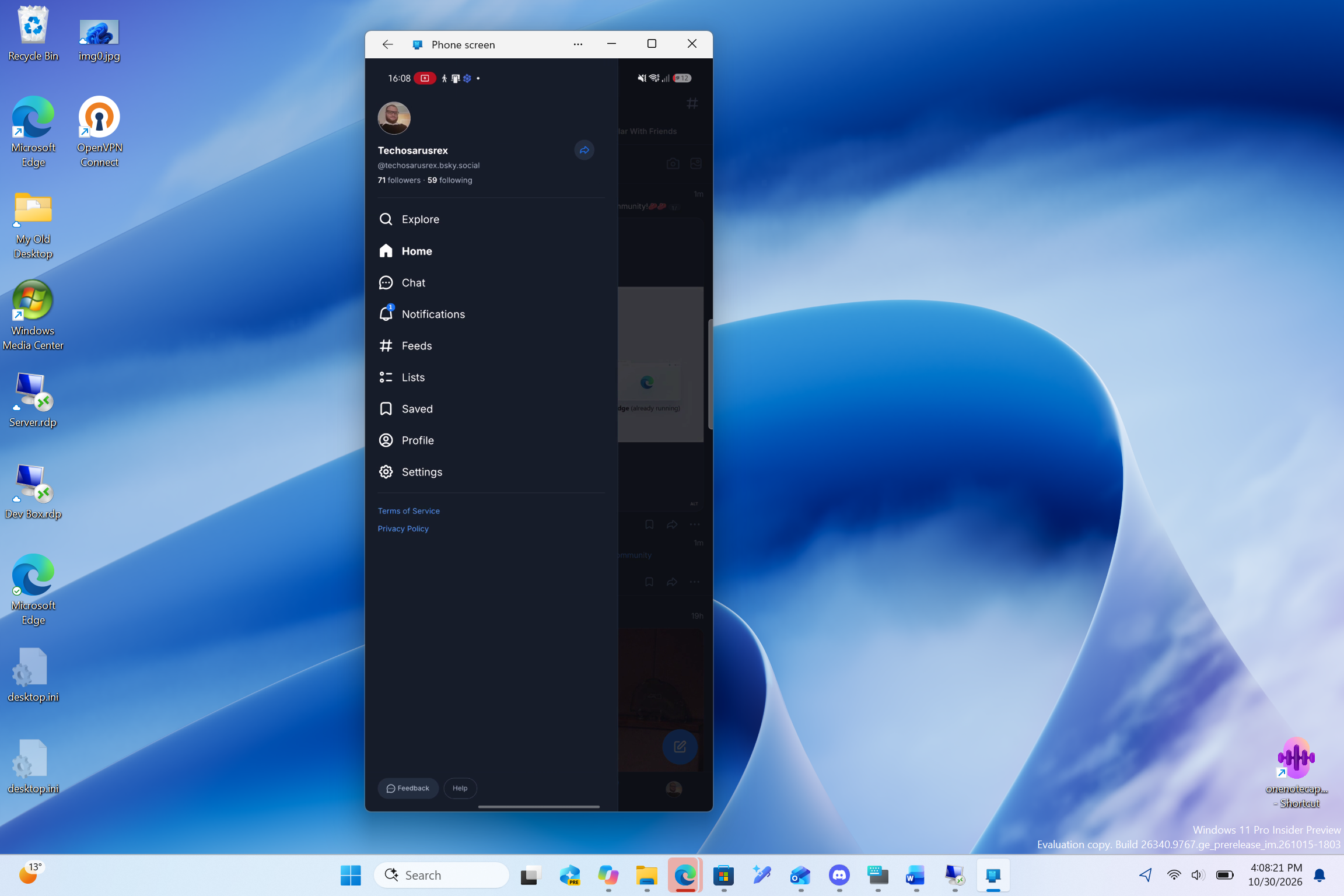
Phone Link already supports mirroring an Android screen and streaming mobile apps to a PC. MS is also testing the ability to launch streamed Android apps from Windows taskbar Search. Extend display would reverse the direction of that connection, sending part of the Windows desktop to the phone or tablet as an additional screen.
An Android Tablet Would Be More Practical Than a Phone
Using Windows on a conventional phone screen often requires constant zooming and makes desktop content difficult to read. A tablet would provide substantially more usable space.
Many older budget tablets are now too slow for demanding tasks, even though their displays remain functional. With this feature, such a tablet could keep MS Teams, a reference document, or another secondary window open beside a laptop. A standard phone would likely accommodate little more than a chat window, although foldable devices could offer a better experience.
Samsung already provides similar functionality through Second Screen on selected Galaxy tablets, while spacedesk requires a dedicated PC driver. Because MS’s implementation would be integrated into Link to Windows, it could be considerably easier to configure.
It remains unclear whether Extend display will operate wirelessly, over USB, or through both connection methods. Phone screen mirroring currently requires both devices to be connected to the same Wi-Fi network, but the available code does not specify the requirements for the new feature.
Code References H.264, HEVC, and Adjustable Display Settings
Extend display is associated with a dedicated package named phone_as_display.v1. Its PhoneAsDisplayInitiator class lists two possible session initiators:
- LTW: Link to Windows
- PC: The connected Windows PC
The corresponding code entries are:
.field public static final enum LTW:Lcom/MS/appmanager/display/api/PhoneAsDisplayInitiator;
.field public static final enum PC:Lcom/MS/appmanager/display/api/PhoneAsDisplayInitiator;
This suggests that users may eventually be able to begin an Extend display session from either device, although support for both initiation methods has not been confirmed.
The code also refers to the H.264 and HEVC Main 8-bit video codecs, along with descriptors for display width, height, and refresh rate:
- const-string v1, “H264”
- const-string v1, “HEVC_MAIN8”
- .field private final heightPx:I
- .field private final refreshRateHz:I
- .field private final widthPx:I
The PC will likely encode its desktop as a video stream for the Android device to decode, using a resolution and refresh rate supported by both devices. The specific supported values have not yet been identified.
An experimental flag called ENABLE_PHONE_AS_DISPLAY controls whether the app advertises the feature. Parts of the display receiver and session setup code also appear incomplete in the examined version, indicating that development is still underway.
Sessions May Stop When the PC Locks or the Connection Fails
The PhoneAsDisplayStopReason class lists three conditions that can terminate a session:
- PC_LOCKED: The connected PC has been locked.
- RECEIVER_FAILED: The Android device’s display receiver has failed.
- CONNECTION_LOST: Communication between the devices has been interrupted.
The system also includes a 60-second timeout if the first video frame does not appear. Connection stability may be especially important because Phone Link can sometimes lose contact with an Android device after it enters sleep mode.
Android Device Compatibility Could Be the Main Challenge
Phone Link functionality already varies significantly between Android manufacturers. For example, some Motorola devices do not provide phone screen mirroring or the ability to open mobile apps on a PC, even when all required permissions are enabled.
MS’s supported-device documentation currently limits Phone screen compatibility to selected devices from Samsung, HONOR, OnePlus, OPPO, Realme, ASUS, vivo, iQOO, and Xiaomi. Motorola and Google Pixel devices are not listed, despite Motorola accounting for 11% of U.S. smartphone shipments in the second quarter of 2026 and Pixel accounting for 3%, according to Counterpoint Research.
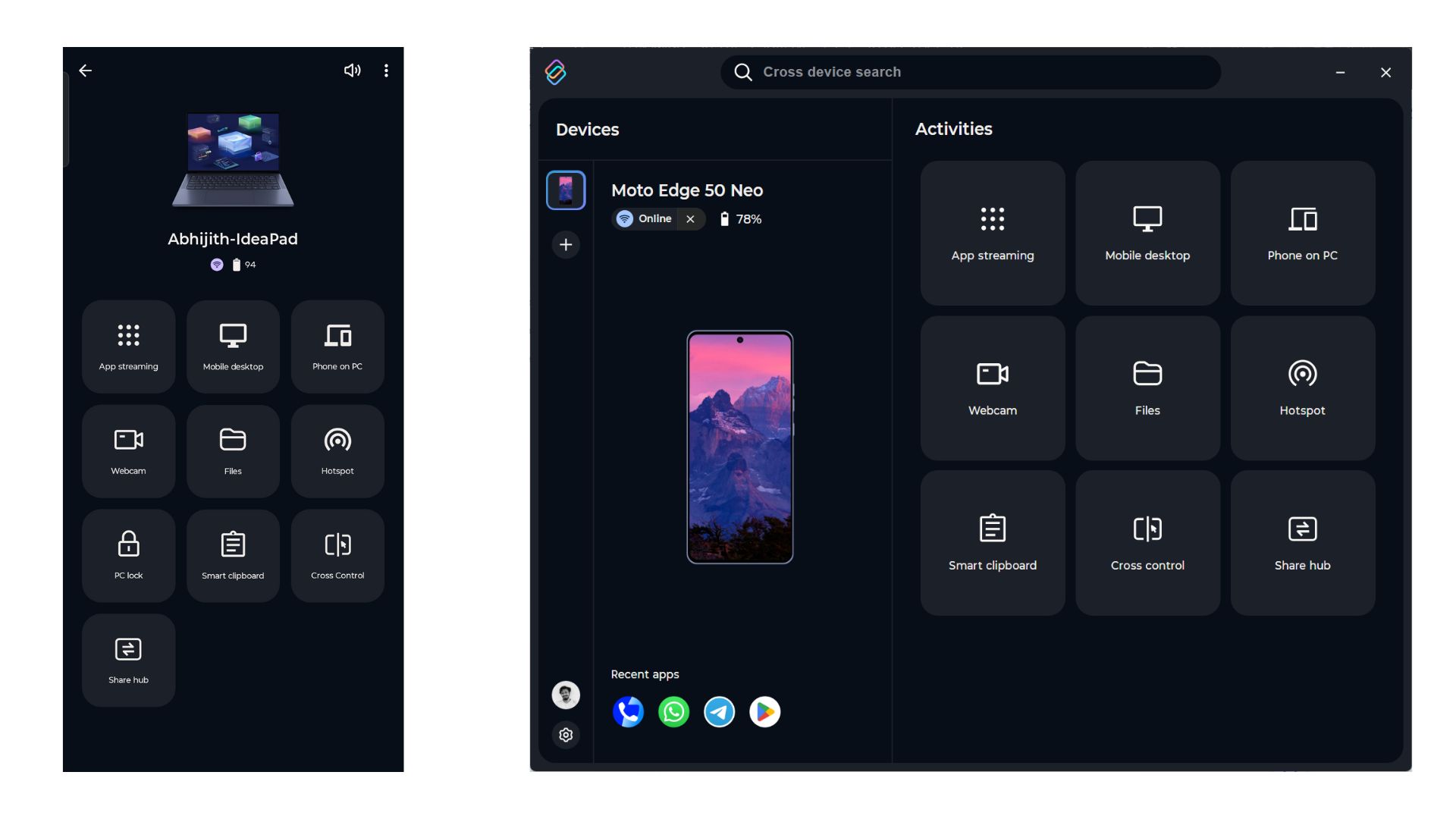
Some unsupported phones can access comparable capabilities through manufacturer-specific alternatives. Motorola devices, for example, can stream apps to compatible Lenovo PCs through Lenovo Smart Connect, which offers broader functionality than Phone Link in some cases.
Google’s focus on its own laptop ecosystem may make Pixel support uncertain. However, MS will need broader manufacturer participation beyond Samsung if Extend display is to become a meaningful advantage for the Windows and Android ecosystem.
Link to Windows has recently gained the ability to remove inactive or “ghost” PCs, while Windows 11 can resume WhatsApp conversations from Android devices. MS has not officially announced Extend display, and no supported-device list, connection requirements, or release date is currently available.