MS Explains Why Windows 11 Features May Not Appear Immediately

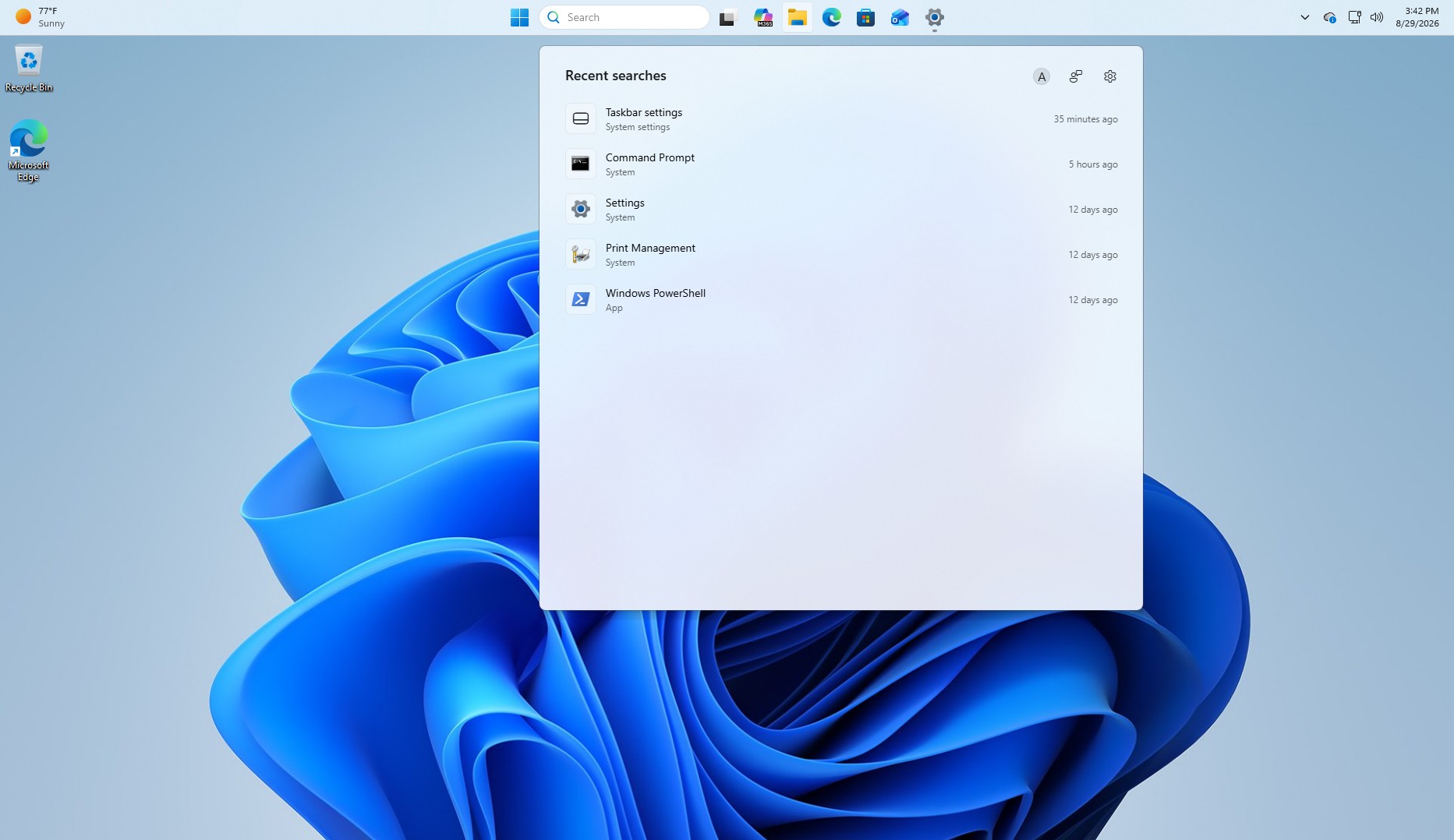
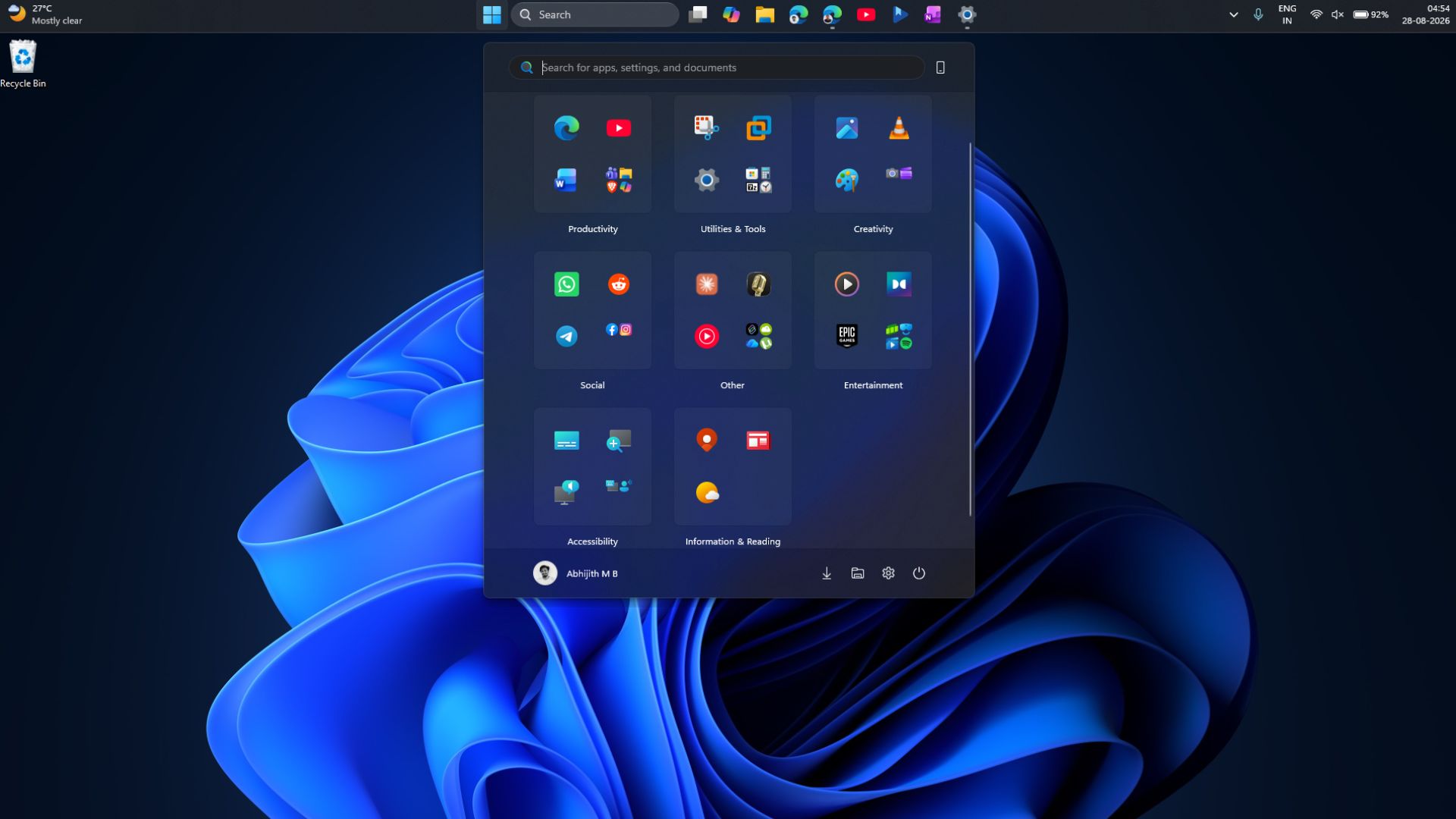
Windows 11 has introduced several new capabilities, including a resizable Start menu, a movable taskbar, an option to remove Bing results from Windows Search, and significant performance improvements. However, many users see no visible changes after installing monthly updates, prompting a response from MS’s Windows and Devices design and research chief.
Marcus Ash acknowledged that users want friends and family to experience the latest Windows features once they become broadly available, but those features may not appear immediately after checking for updates.
Although MS describes this as something that happens only occasionally, testing and widespread user feedback suggest that Windows 11’s monthly improvements frequently remain unavailable after an update is installed.
Users Criticize Delayed Feature Rollouts
Hundreds of complaints have appeared on platforms such as MS’s Feedback Hub and Reddit. Some users say they read MS’s feature announcements, install the relevant Windows update, and still receive none of the advertised changes.
One Surface Pro 9 owner initially believed a problem with Windows was preventing updates from arriving, only to conclude that the delay was caused by MS’s exceptionally slow rollout process.
Another user questioned why features can take two or three months to reach a PC and why third-party tools are sometimes needed to enable them manually. The user also criticized MS for withholding features from millions of computers without providing visible diagnostics or analysis.
MS says it understands these concerns but maintains that gradual rollouts help protect system stability.
Windows 11 Updates Are Released in Waves
According to Ash, new features are distributed in multiple waves. As a result, installing an update such as the September 2026 Update—which includes the movable taskbar—does not guarantee that the feature will become available immediately. It may activate automatically several weeks later when MS begins another rollout wave.
MS does not plan to abandon this deployment model. However, Ash recommends enabling “Get the latest updates as soon as they’re available” under Settings > Windows Update to improve the chances of receiving new features earlier.
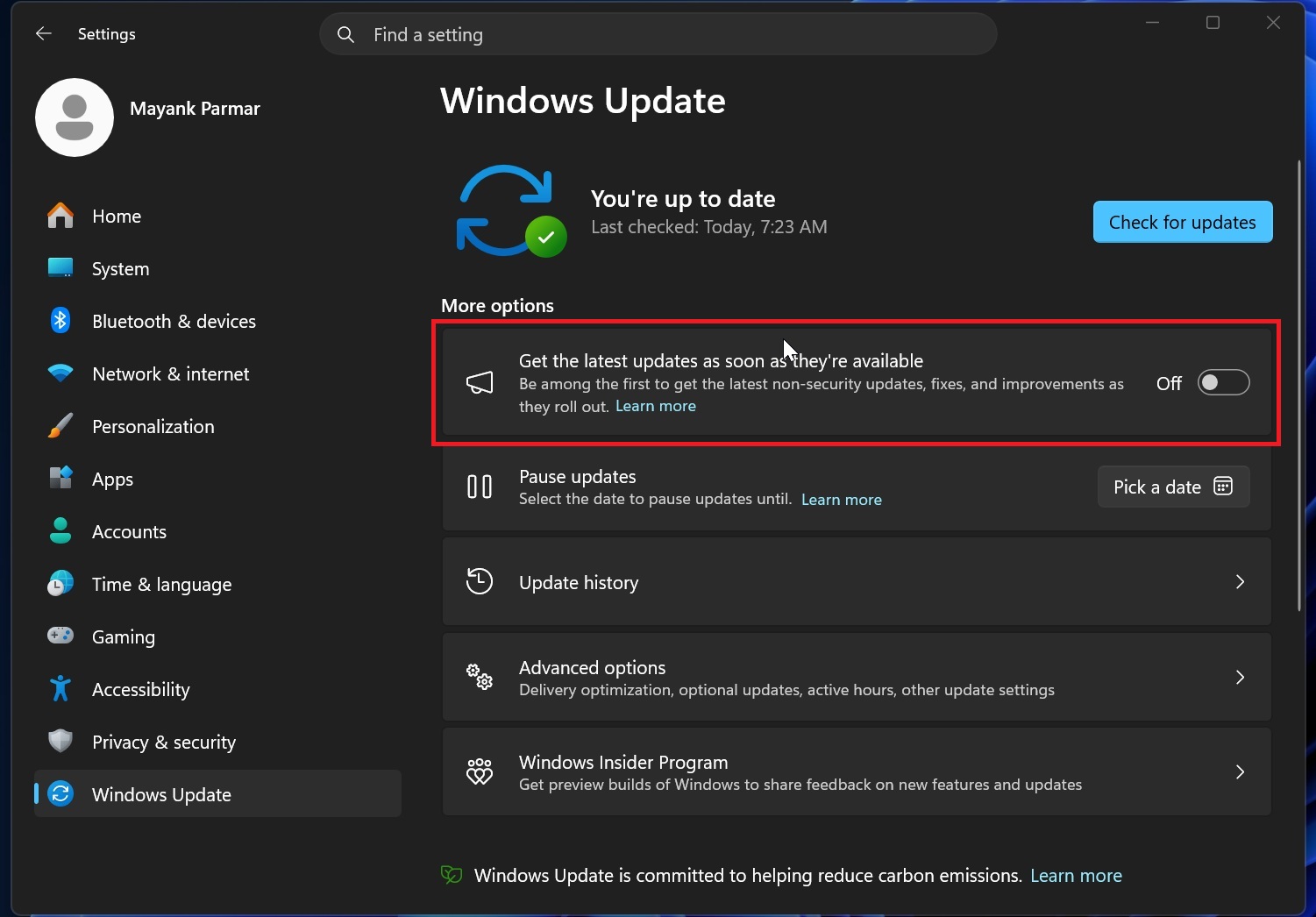
Testing indicates that enabling this option does not activate new features instantly. Nevertheless, devices with the setting turned on receive priority during MS’s gradual rollout process.
Ash explained that users who want new features as soon as they are ready for their devices should enable the option in Windows Update. As more Windows quality improvements reach retail builds, the setting provides an easy way to be among the first users to receive them.
Features Coming to Windows 11
MS has already begun distributing several changes through the September 2026 Update, including:
- A movable taskbar
- A smaller taskbar option
- A resizable Start menu
- An option to disable Bing results in Windows Search
Installing the monthly Windows update does not necessarily make all these changes available immediately. MS’s phased rollout strategy will also apply to additional features and improvements arriving over the following weeks, several of which are already available to Windows Insiders.